3D configurator
Salsita 3D configurators run your business from product rules to production output.








Discover Salsita
The team that builds and runs your configurator.
Salsita 3D configurators run your business from product rules to production output.
The team that builds and runs your configurator.
Give Claude Code or Codex your product brief and 3D models, and it builds your 3D configurator on Salsita’s platform. You review it and ask for changes in plain words.
Customers include
















Paste the set-up prompt from Salsita Studio into your agent, then give it your product brief and 3D models.
It reads the brief, inspects the models and proposes design directions for you to choose from.
Ask for changes in plain words: a new module, another finish, a price rule. Your agent builds them with Salsita’s SDK.
It checks its own work, and you try each change in the running 3D configurator.
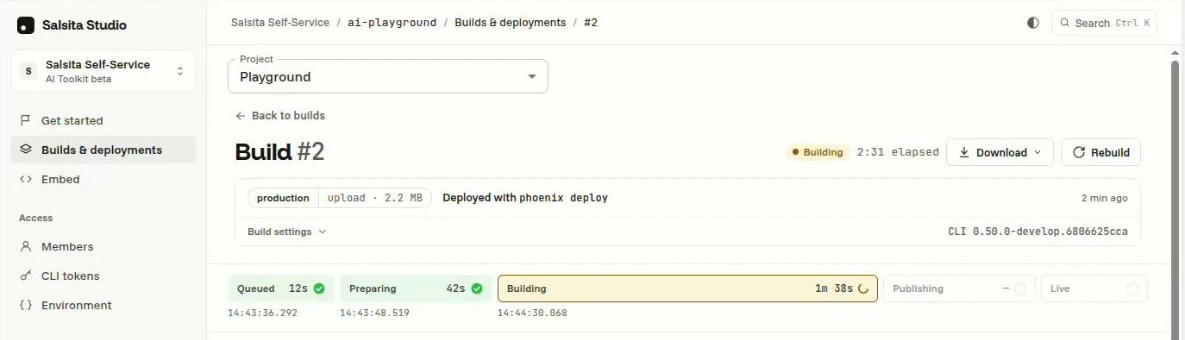
Happy with it? Your agent deploys it, Salsita Studio builds it, and you put it live and embed it on your website.
When the product changes, tell your agent. It versions the product data, so designs your customers saved still open. Studio keeps your build history, and you can roll back.
Your agent writes the experience your product needs. The 3D scene, product rules and pricing come from Salsita’s SDK; your builds, team members and CLI tokens live in Salsita Studio. Salsita runs the hosting and handles platform security. See all platform features.
It builds on Salsita’s 3D engine, product rules and pricing. Try a configurator on the same platform: each change checks the rules, updates the quote and lists the parts.
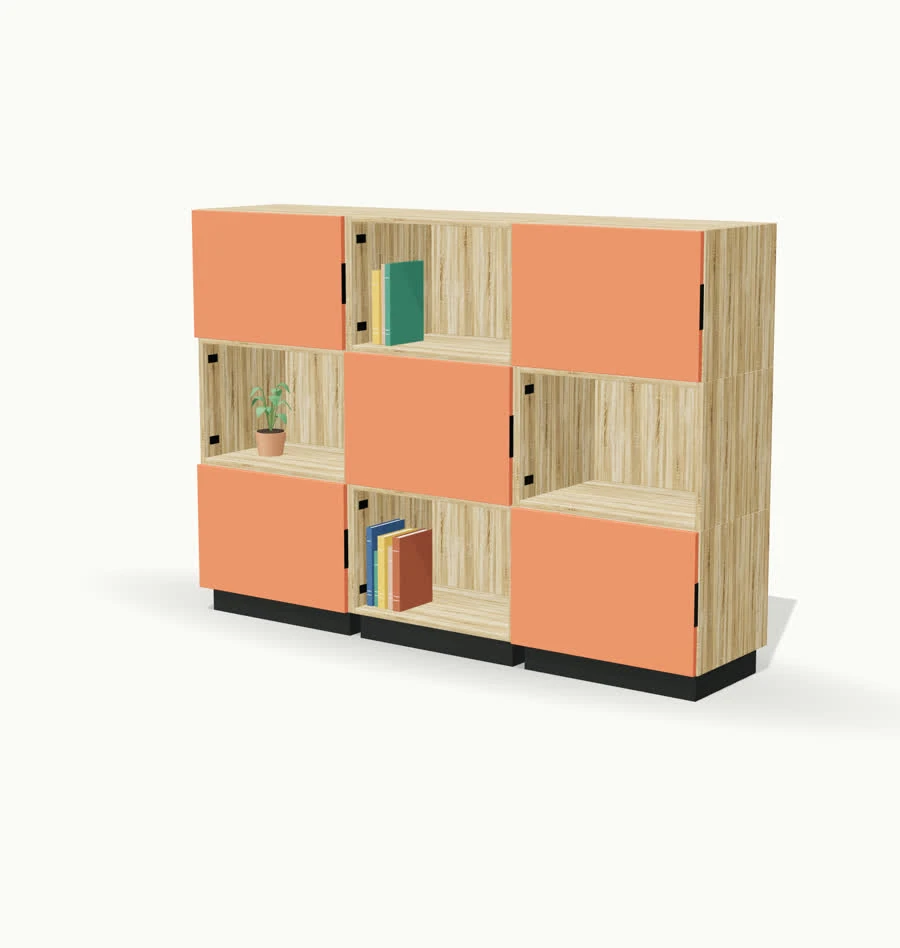
Tap a plus to add a bay, or a box on top.
Starting layout
Finish
Bays
| Total | – |
|---|
Example prices, excl. VAT
| Parts | – |
|---|
“After just one day of use, the feedback has been absolutely overwhelming.”
 Oliver WatermannProduct Lifecycle Management Specialist, Siemens
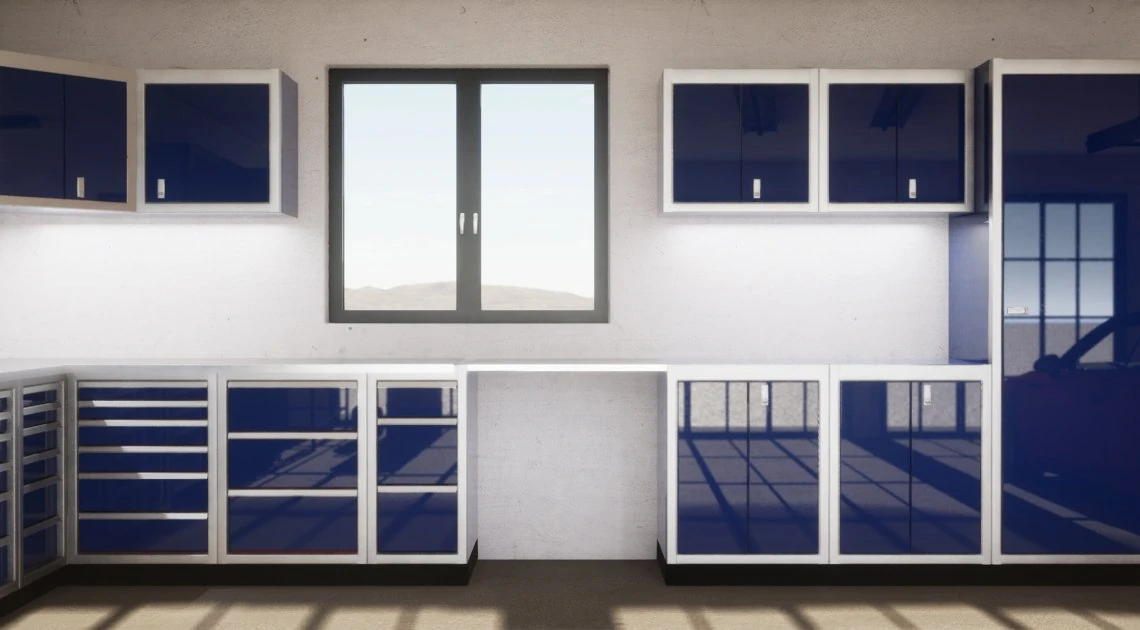
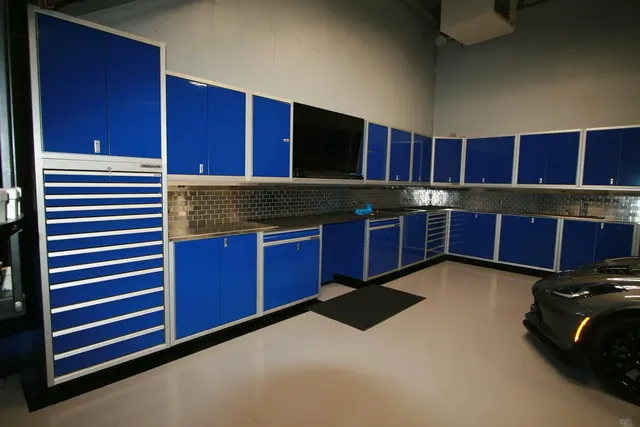
Your agent builds on the platform behind the configurators Salsita’s team delivers, like Moduline’s: modular cabinets, product rules and live pricing for its customers and sales teams. Read the Moduline case study. Salsita’s team built Moduline’s configurator; it was not built with the AI Toolkit.
For manufacturers and founders who already build with Claude Code or Codex and have a real product to configure. Start from your product, or bring a configurator you’ve already built and we’ll work out how to move it onto Salsita.
Rather have Salsita’s team build it? Say so in the form and we’ll talk about building it for you.
Join our 4-week beta. You build with your own agent; Salsita’s team sets you up and helps when you get stuck. Tell us what works and what doesn’t, and we improve the toolkit.
No upfront fee, then a monthly license. You pay for your own AI agent.
Tell us about your product



Tell us about your product, the 3D models you have and how you work with your coding agent. We’ll help you find a practical starting point.
For teams already building with Claude Code or Codex. Bring your product information, 3D models and your own paid agent.
No upfront fee. Only a monthly license.
Which AI agents does it work with?
Claude Code or Codex, on your own paid plan. Studio’s set-up prompt works with any coding agent that runs a command line, but the beta asks for one of those two.
Which AI agents does it work with?
Claude Code or Codex, on your own paid plan. Studio’s set-up prompt works with any coding agent that runs a command line, but the beta asks for one of those two.
What does my agent do, and what do I do?
Your agent reads your brief, inspects your 3D models, proposes design directions, builds the interface, connects the choices, 3D view, rules and pricing, checks its work and deploys. You choose the direction, give feedback, confirm the product facts and decide what goes live.
Do I need to be a developer?
You should have experience building with an AI coding agent and be comfortable working with project files, testing and refining the results. The agent writes the code; you review what it builds.
Do I need my own 3D models?
Yes, ideally in GLB format, with your product information and textures. Without a ready model, your agent can start with a simple stand-in and tell you what to replace; it does not make the final models. We can create or prepare your models as a separate service.
What can I build during the beta?
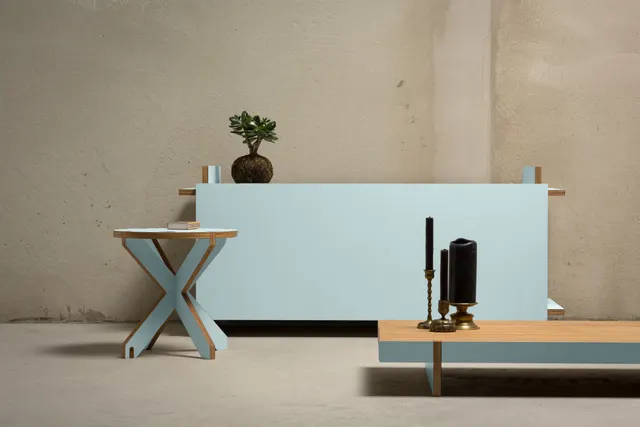
Configurators such as made-to-order tables, modular cabinets or pergola systems: options, rules, pricing, sizes, modules, saving and sharing, PDFs and a basic parts list. Your agent can extend them with your own interface, interactions and product logic.
What needs additional setup or support?
An admin panel, user management, customer analytics, order dashboards, in-product AI, virtual photography, CAD and manufacturing exports, and connections to e-commerce or business systems are outside the toolkit today. Our team can scope and build them with you as a paid service. We agree what your project covers during onboarding.
Can I put it on my existing website?
Yes. Your agent deploys it to Salsita, you put it live in Salsita Studio and embed it in your website. We’ll assess any e-commerce or business-system connections separately, including setup, custom work and costs.
What happens after the guided beta?
Keep building with your agent. Your monthly license covers platform and toolkit support; custom-code investigation, implementation, assets and integrations are scoped separately.
Who controls the project?
You retain your project files and can keep developing them yourself. Running the configurator depends on the Salsita platform and its subscription terms.