3D configurator
Salsita 3D configurators run your business from product rules to production output.








Discover Salsita
The team that builds and runs your configurator.
Salsita 3D configurators run your business from product rules to production output.
The team that builds and runs your configurator.
Customers talk to the configurator and it builds from their words. Voice is a project setting you switch on.

One spoken sentence goes in. Its words land in the chat as text, and the assistant builds the product from them.
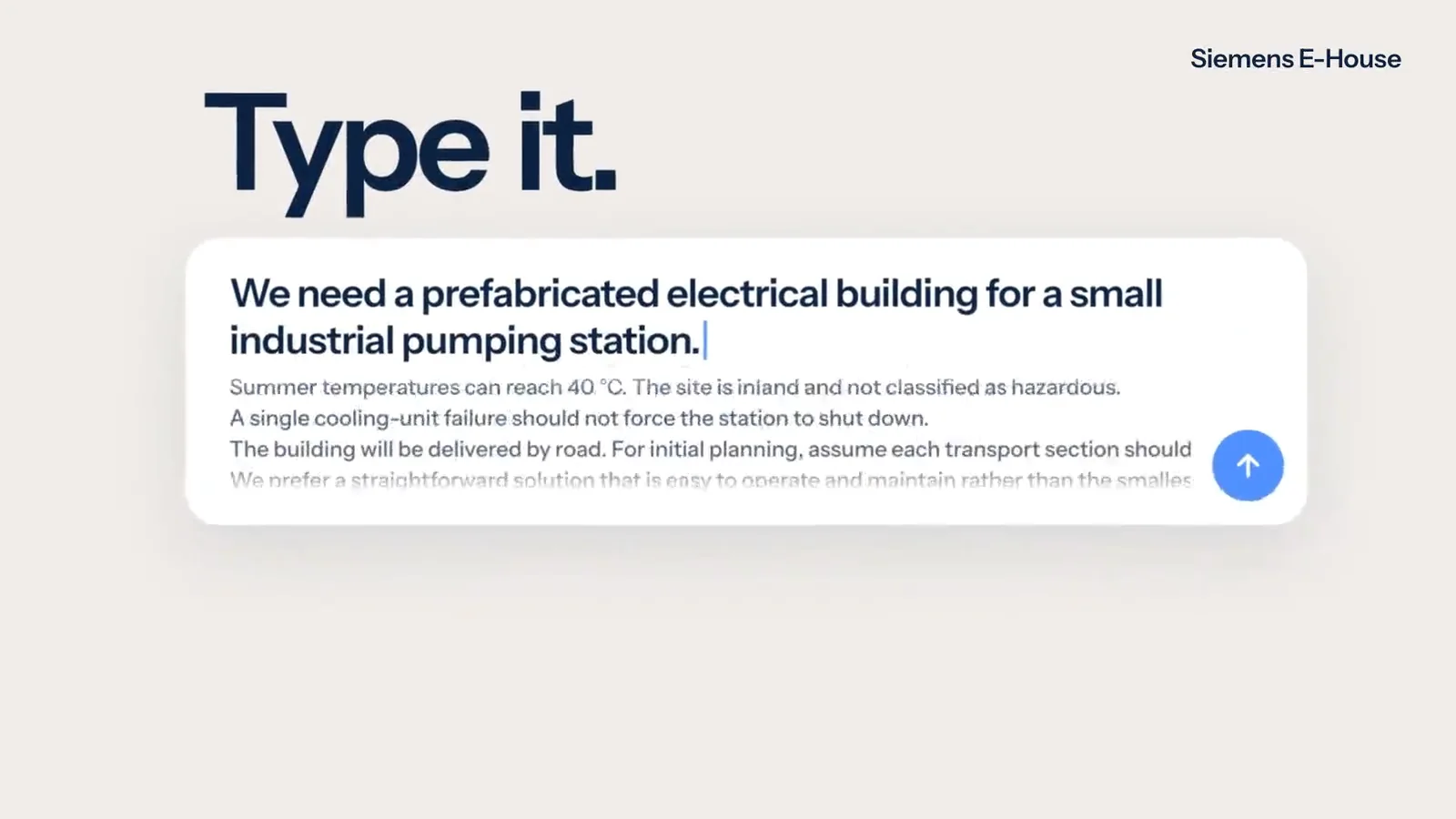
Customers describe, sketch, photograph or draw what they want. The assistant changes the real 3D product and stays inside your product rules.
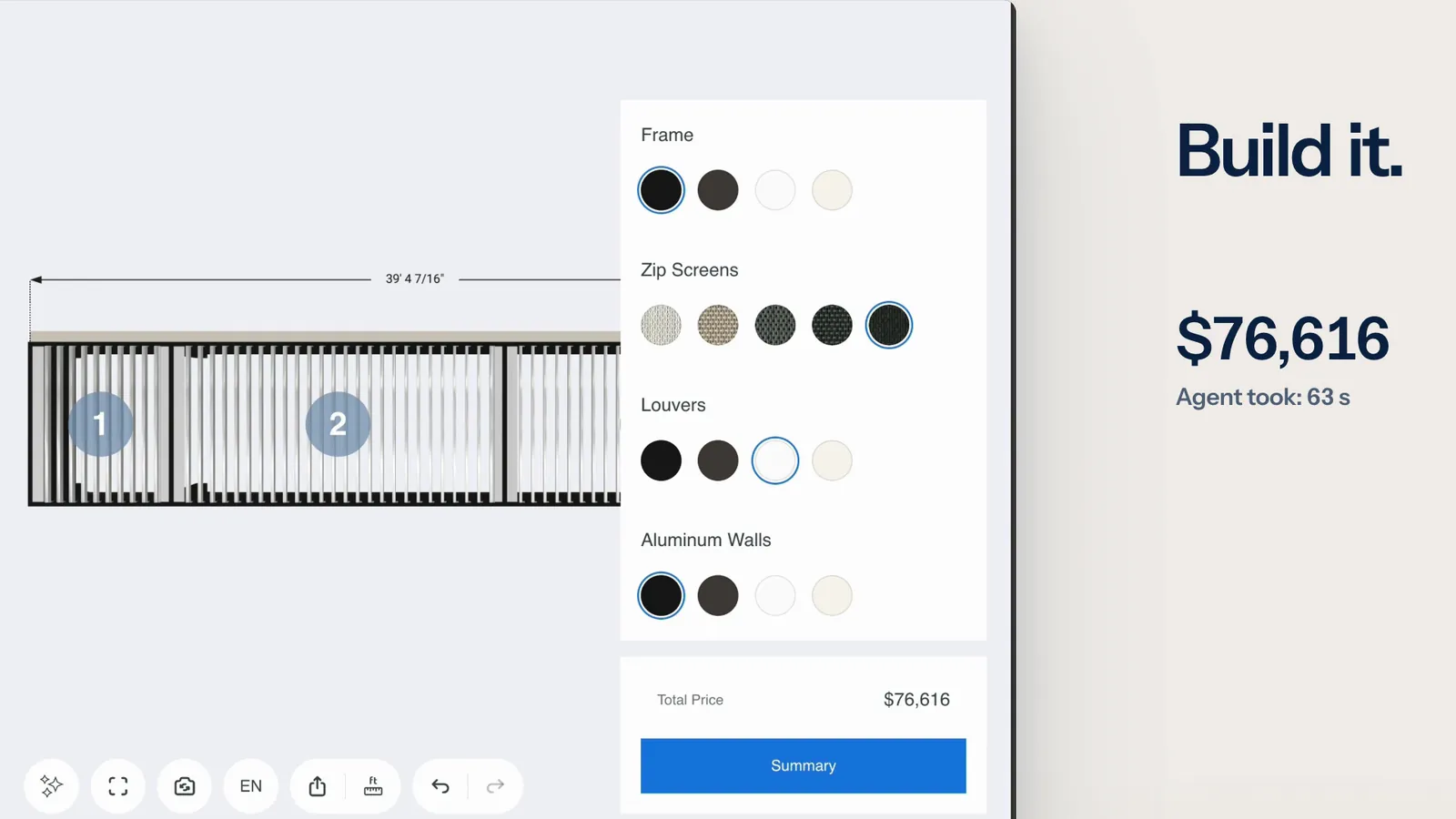
An AI agent reads a request and configures your product through the tools the configurator offers. Every change passes the same checks as a click.
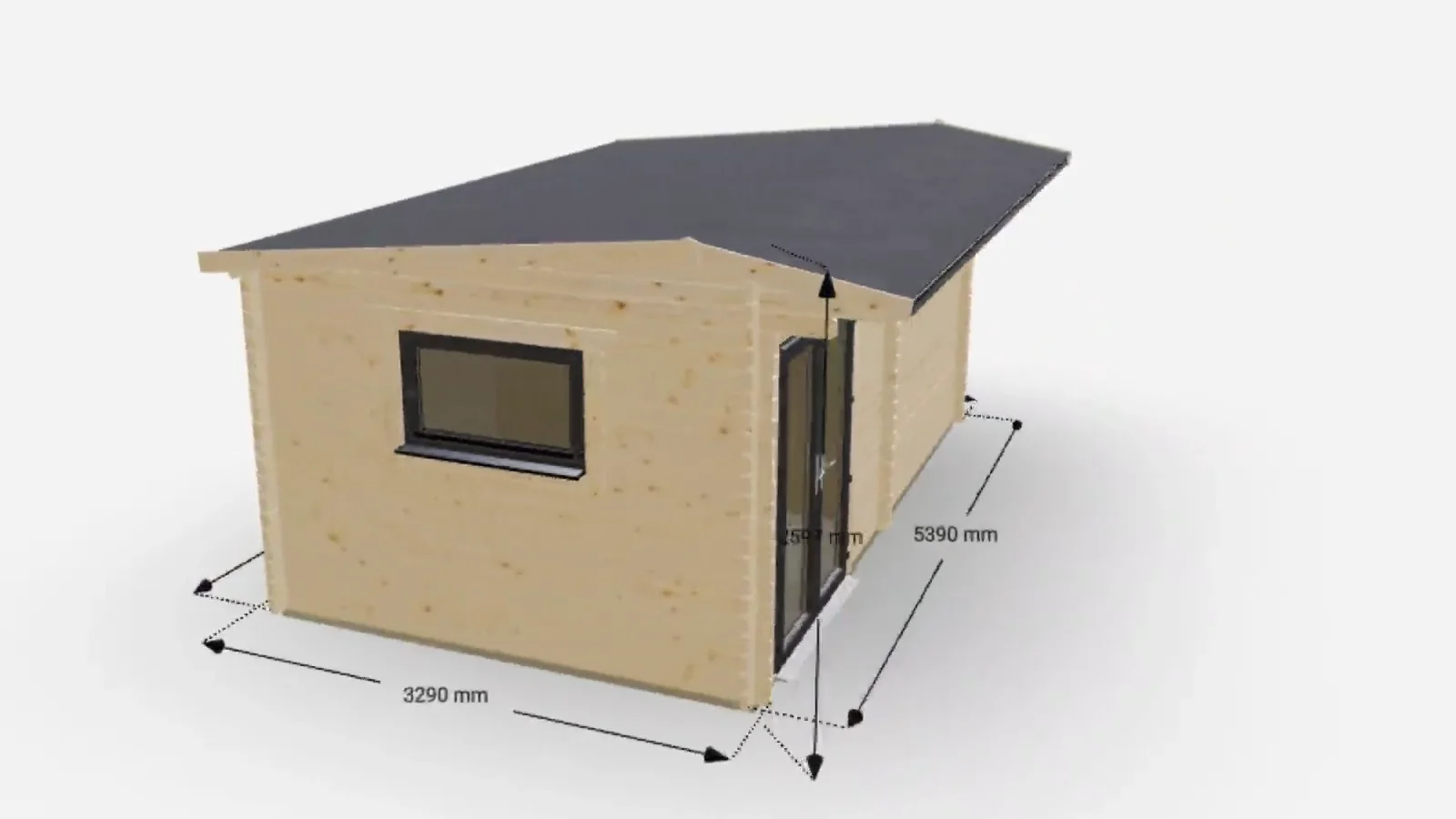
Your customer works on a complex product directly in 3D: turns it, adds parts, drags them into place, opens it and reshapes it.
Not on the list? Ask it on a 30‑minute call.
Is voice on by default?
No. Voice is a project setting that is off until you switch it on, and the page that embeds the configurator has to allow the microphone. Some browsers, Safari among them, will not start audio on their own.
Is voice on by default?
No. Voice is a project setting that is off until you switch it on, and the page that embeds the configurator has to allow the microphone. Some browsers, Safari among them, will not start audio on their own.
Is the recording stored?
No. The server turns the recording into text, the text appears in the chat, and the recording is not stored. If nothing is heard, nothing is sent.
Does it talk back?
It can. Replies have a play button, a reply to a voice message reads itself aloud unless the customer mutes it, and the browser remembers the mute.




Tell us what you sell. We set it up on your product and show it to you in a 30‑minute session.

You’ll talk to Anthony TemperanteVP Sales and Marketing, Salsita
Trusted by Siemens and Middleby, with 200+ configurators live.