3D configurator
Salsita 3D configurators run your business from product rules to production output.






Discover Salsita
The team that builds and runs your configurator.
Salsita 3D configurators run your business from product rules to production output.
The team that builds and runs your configurator.
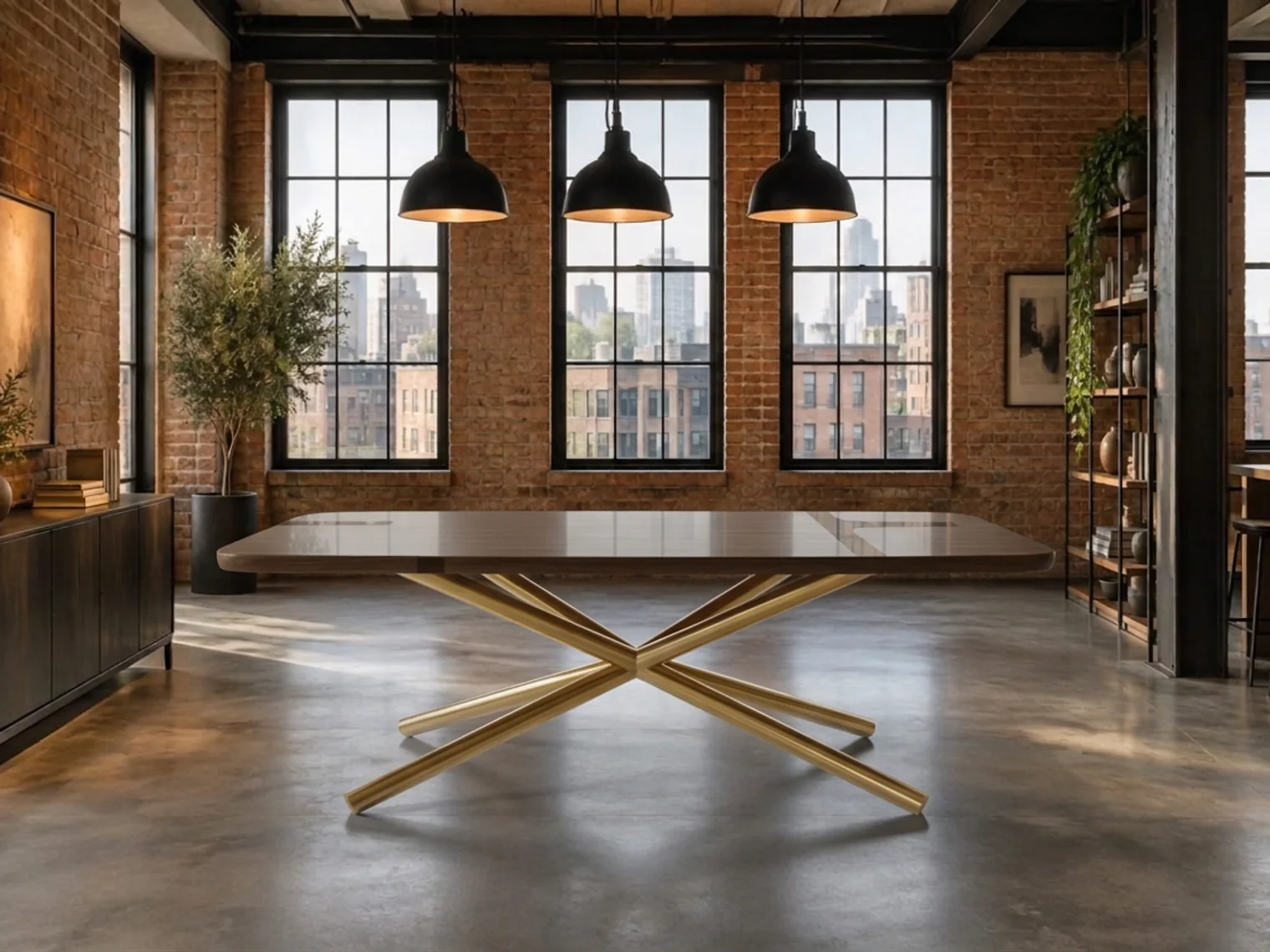
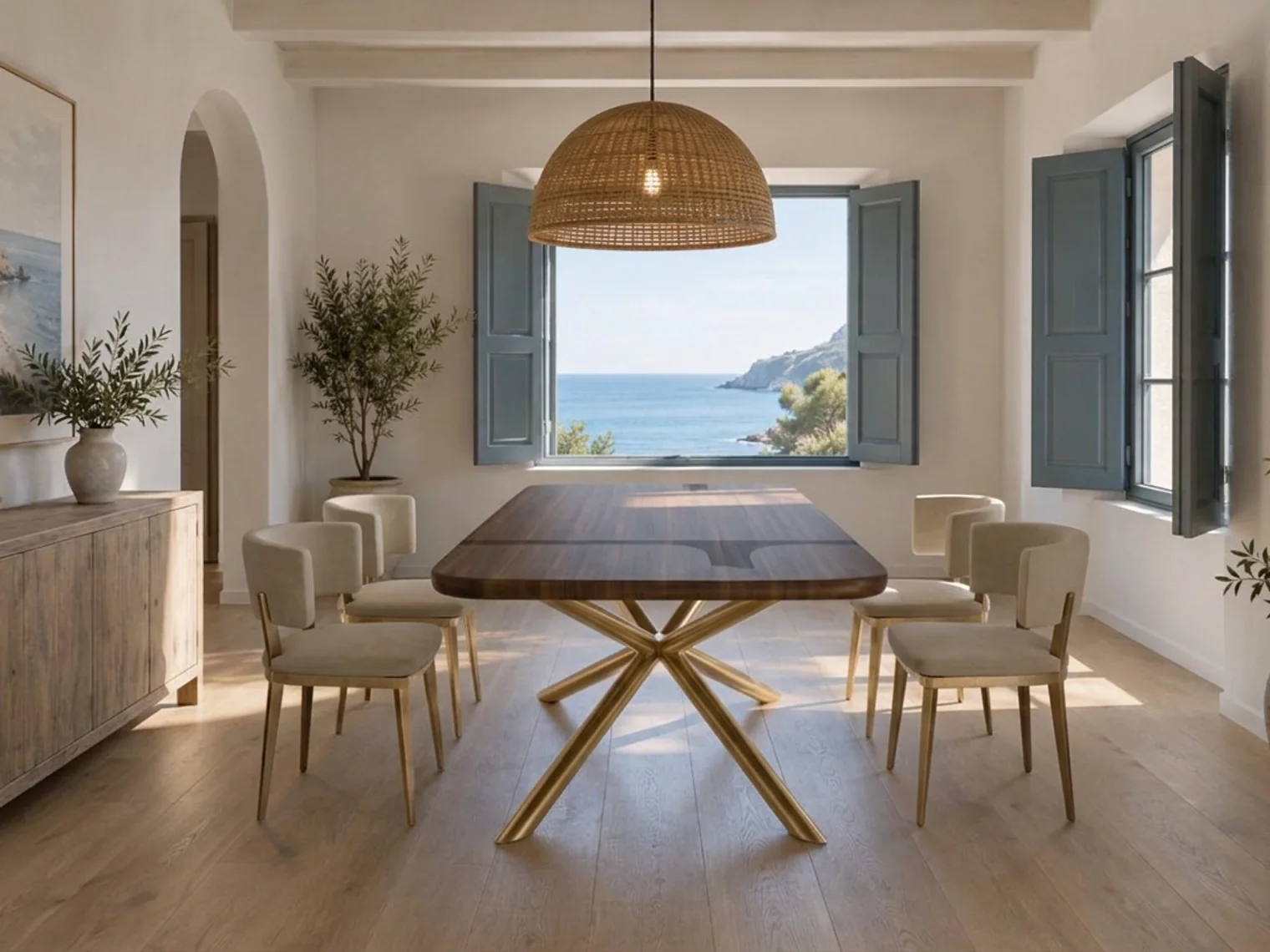
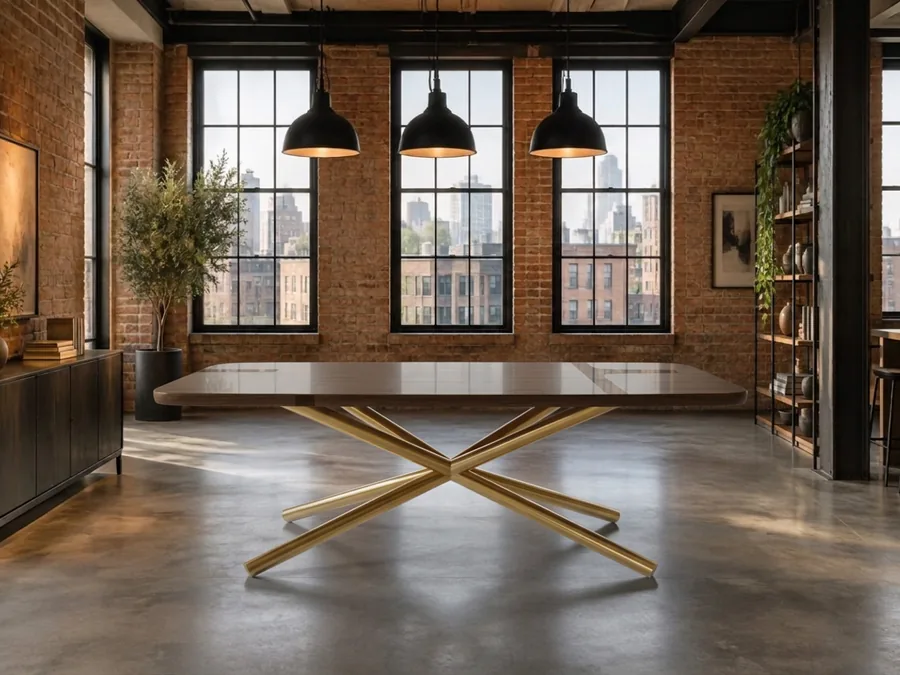
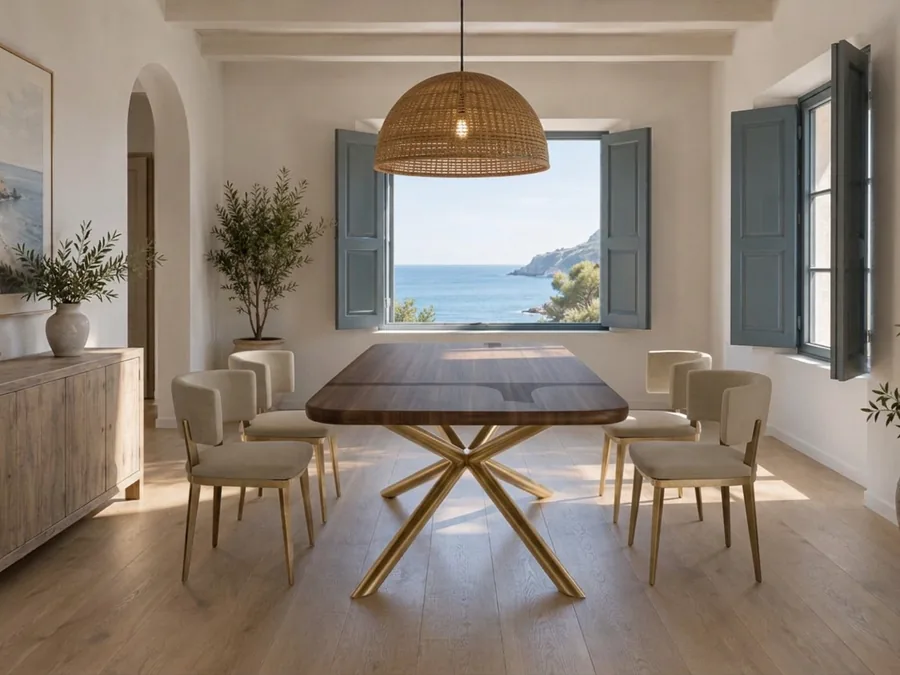
One click puts the configured product in a room, as an AI preview your customer can download.

It starts from the product the customer configured.
These are examples. You choose the settings, as many and as different as you want.
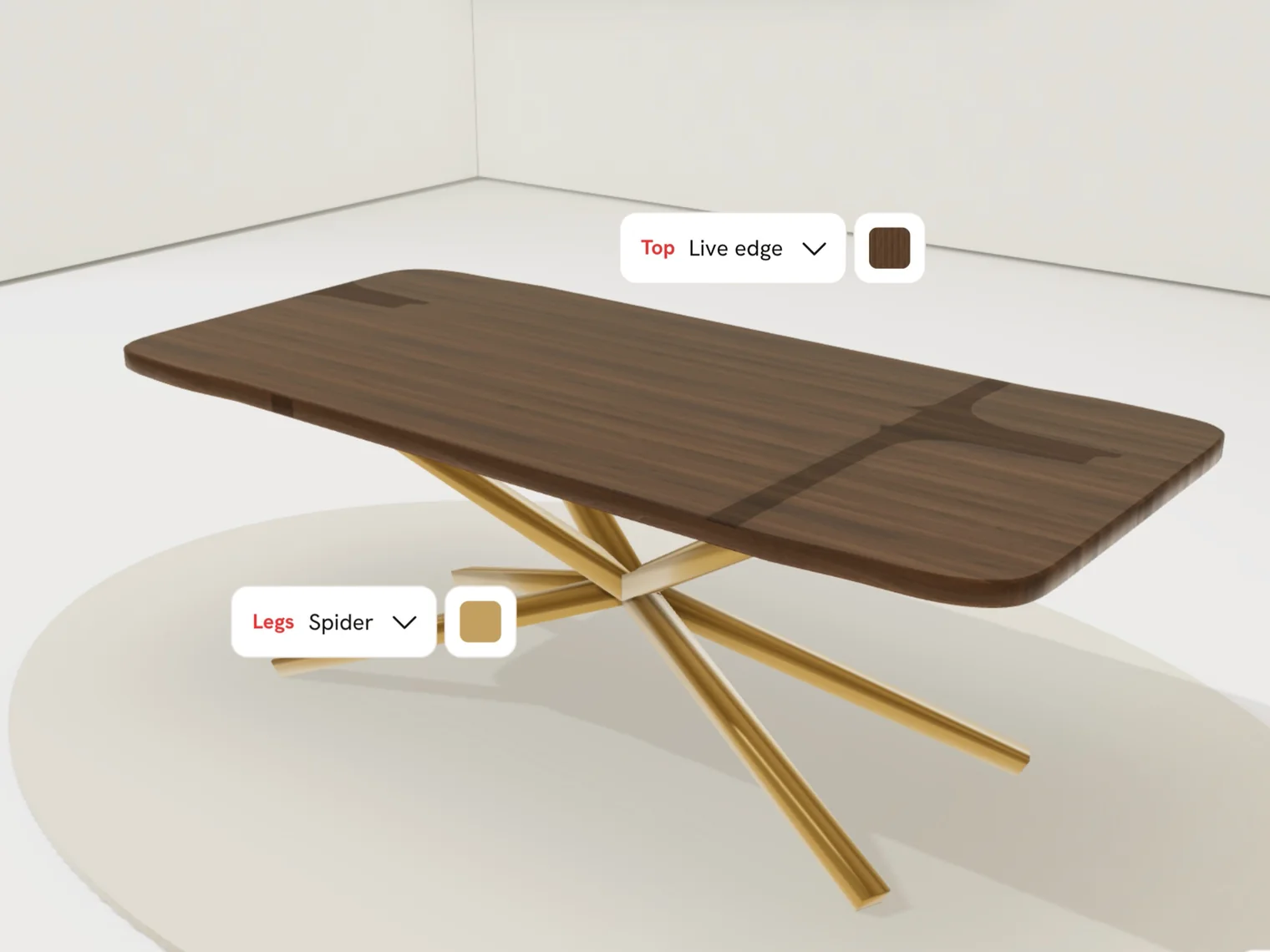
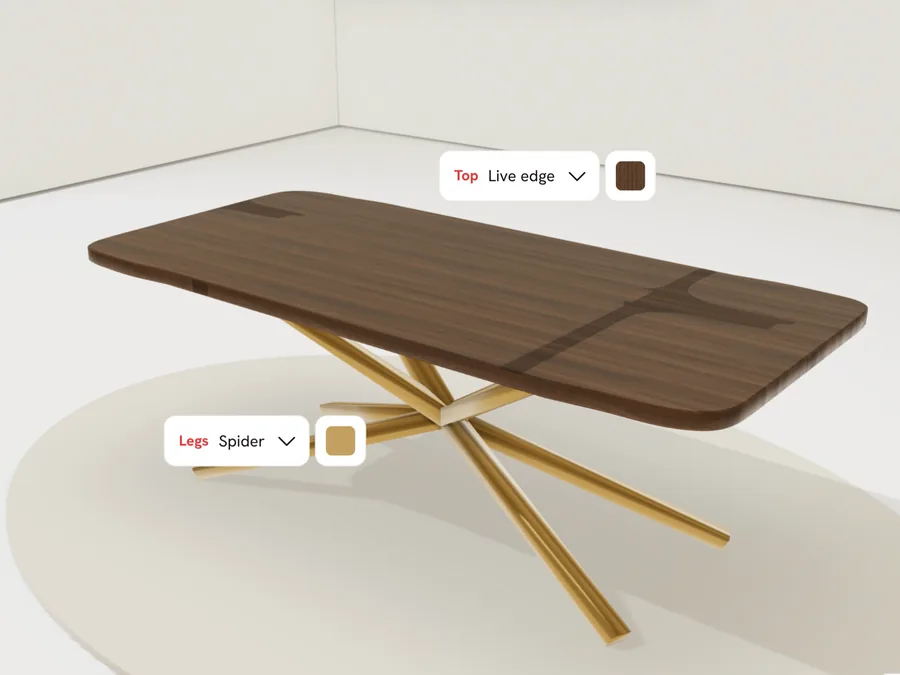
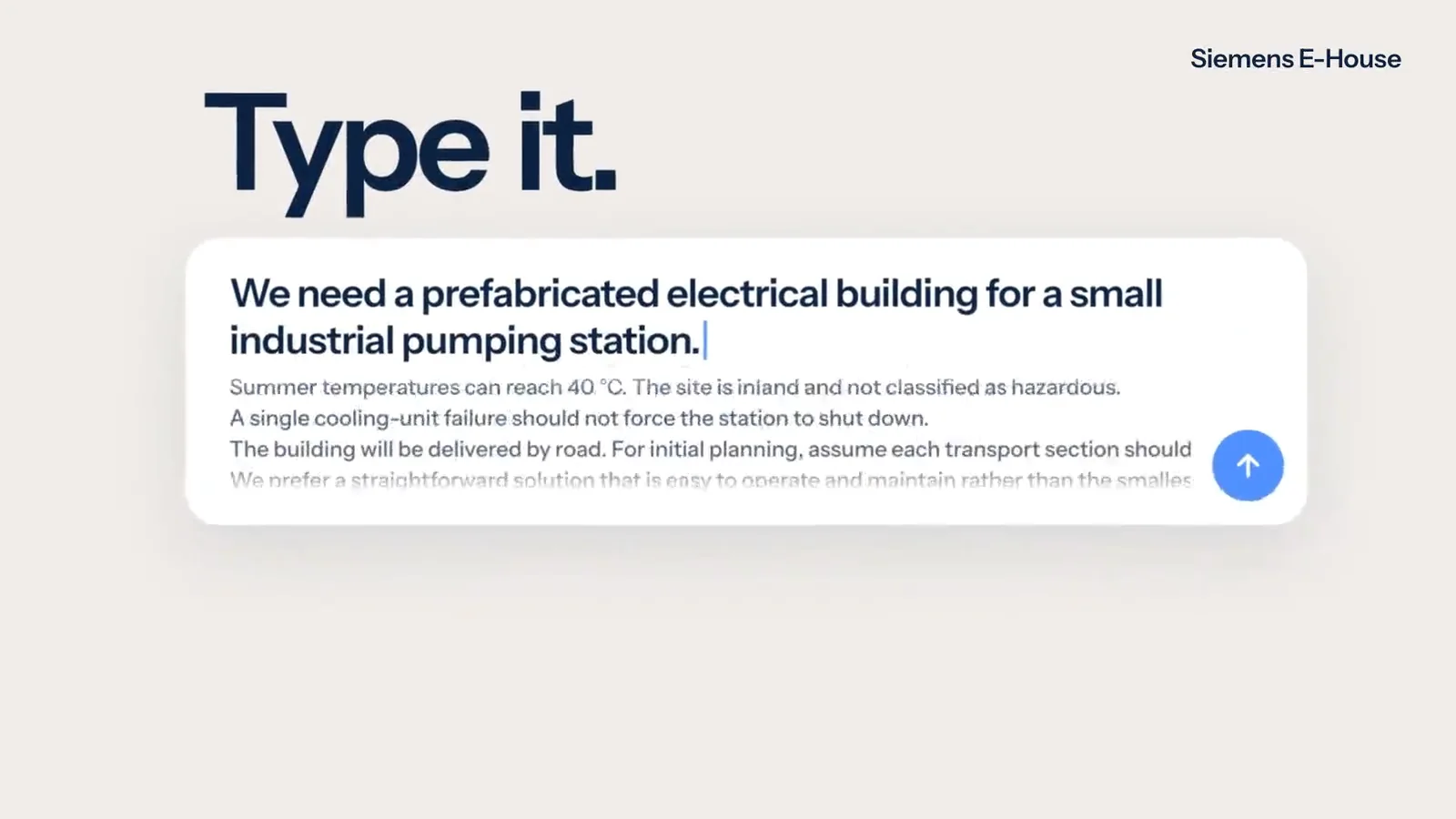
Customers describe, sketch, photograph or draw what they want. The assistant changes the real 3D product and stays inside your product rules.

The customer sends the design they just configured to a phone or tablet and sees it at its real size through the camera, in their own room, garden or shop floor.
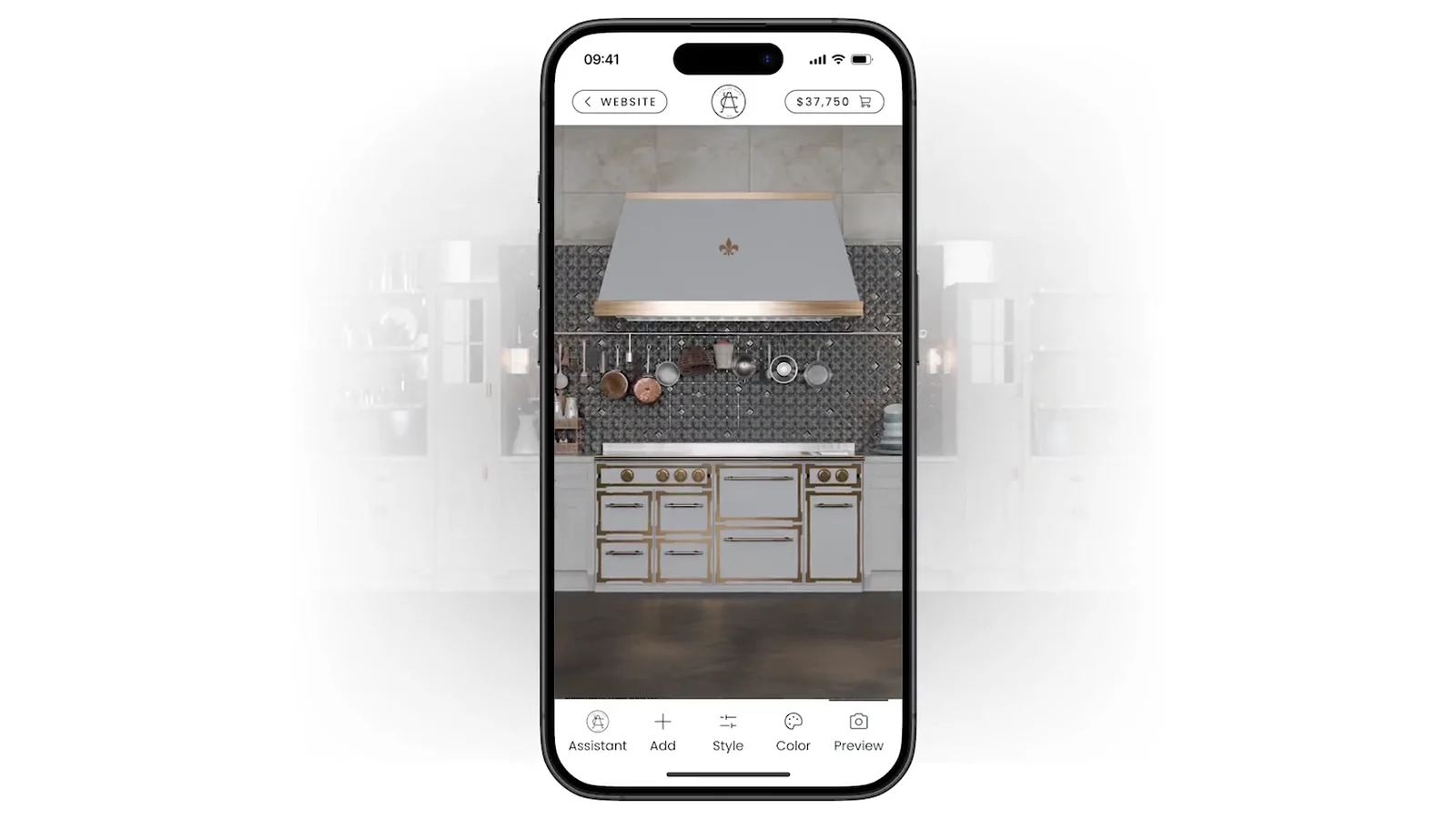
Every design your customer finishes can be rendered into pictures of your product, from the angles and in the scenes you set.
Not on the list? Ask it on a 30‑minute call.
What does my customer get?
An AI preview of the configured product in a setting they choose. They can try another setting or download it.
What does my customer get?
An AI preview of the configured product in a setting they choose. They can try another setting or download it.
Can they add their own photos?
Yes, as reference photos, together with a description of the setting. The result is a new AI preview, not their photo.
Is the picture exact?
No. The AI works from the product’s dimensions, but exactness is not guaranteed, so the pictures are for inspiration and are best checked by eye.
Does it change the configuration?
No. The saved configuration stays unchanged, and the picture is not stored with it.
Can we control it?
Yes. You choose whether it is on and set a monthly picture limit. The settings and the prompt are set per project.




Tell us what you sell. We set it up on your product and show it to you in a 30‑minute session.

You’ll talk to Anthony TemperanteVP Sales and Marketing, Salsita
Trusted by Siemens and Middleby, with 200+ configurators live.