3D configurator
Salsita 3D configurators run your business from product rules to production output.




Discover Salsita
The team that builds and runs your configurator.
Salsita 3D configurators run your business from product rules to production output.
The team that builds and runs your configurator.
On your site, the configurator sits in your page or opens from your button, in your colours, fonts and words.

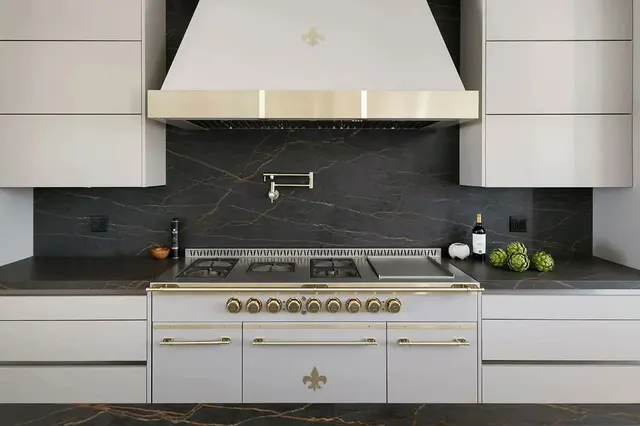
Three customers’ live websites, each with its own look around the same configurator.
Change dimensions, swap materials and watch the price update. This is what your buyers see.

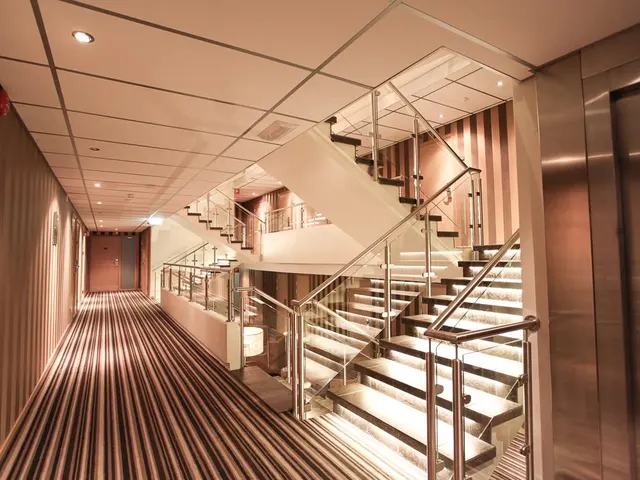
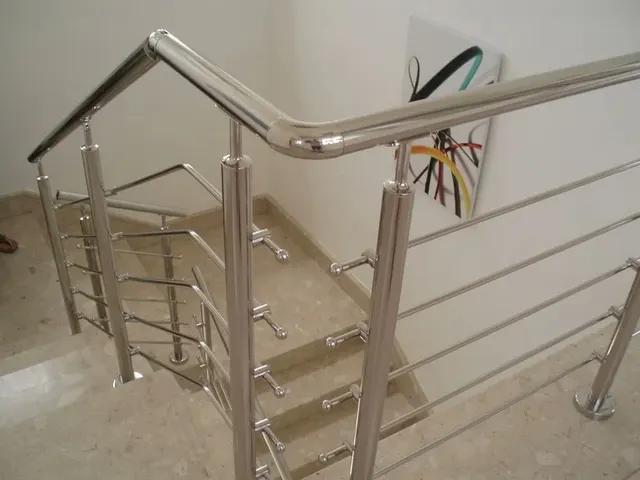
Stairs and balustrades: steps, going and riser set in millimetres, priced as you go.
All demos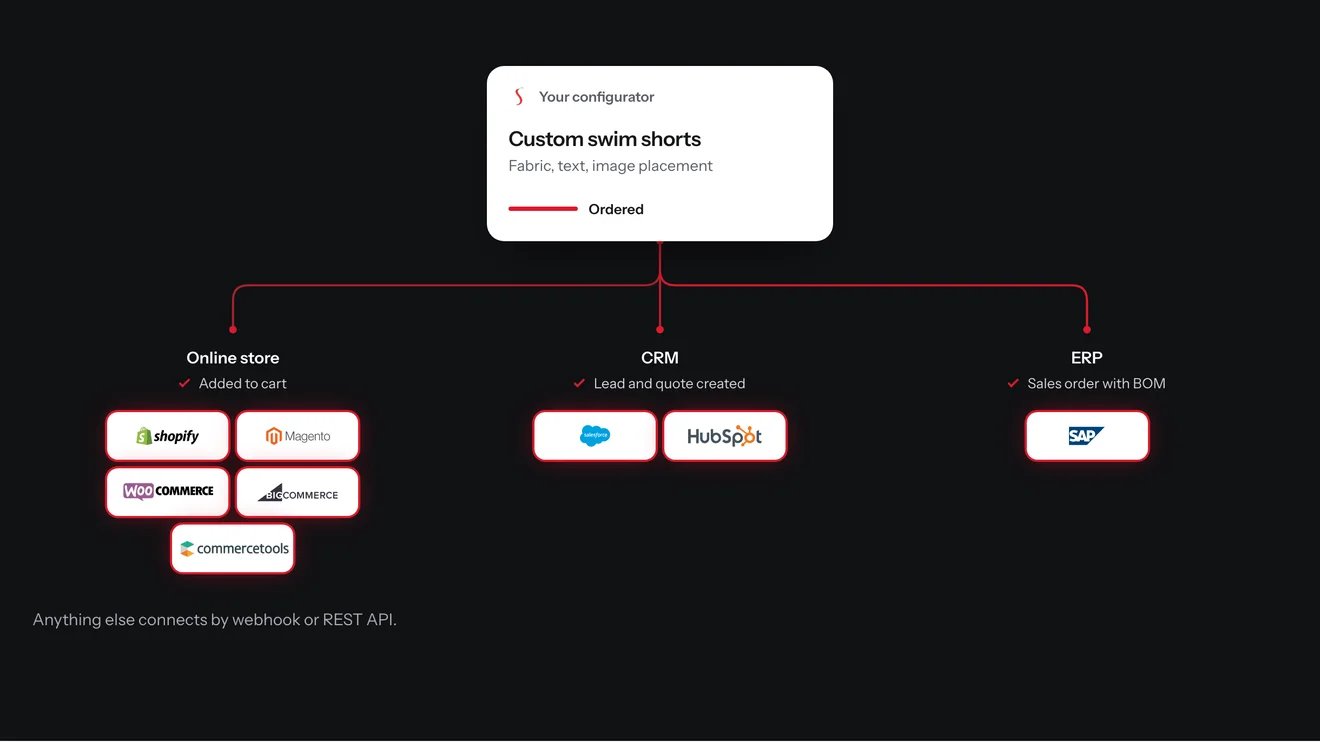
On your store, the configured product goes straight into the cart with its options, picture and price, and the order that follows carries the configuration.
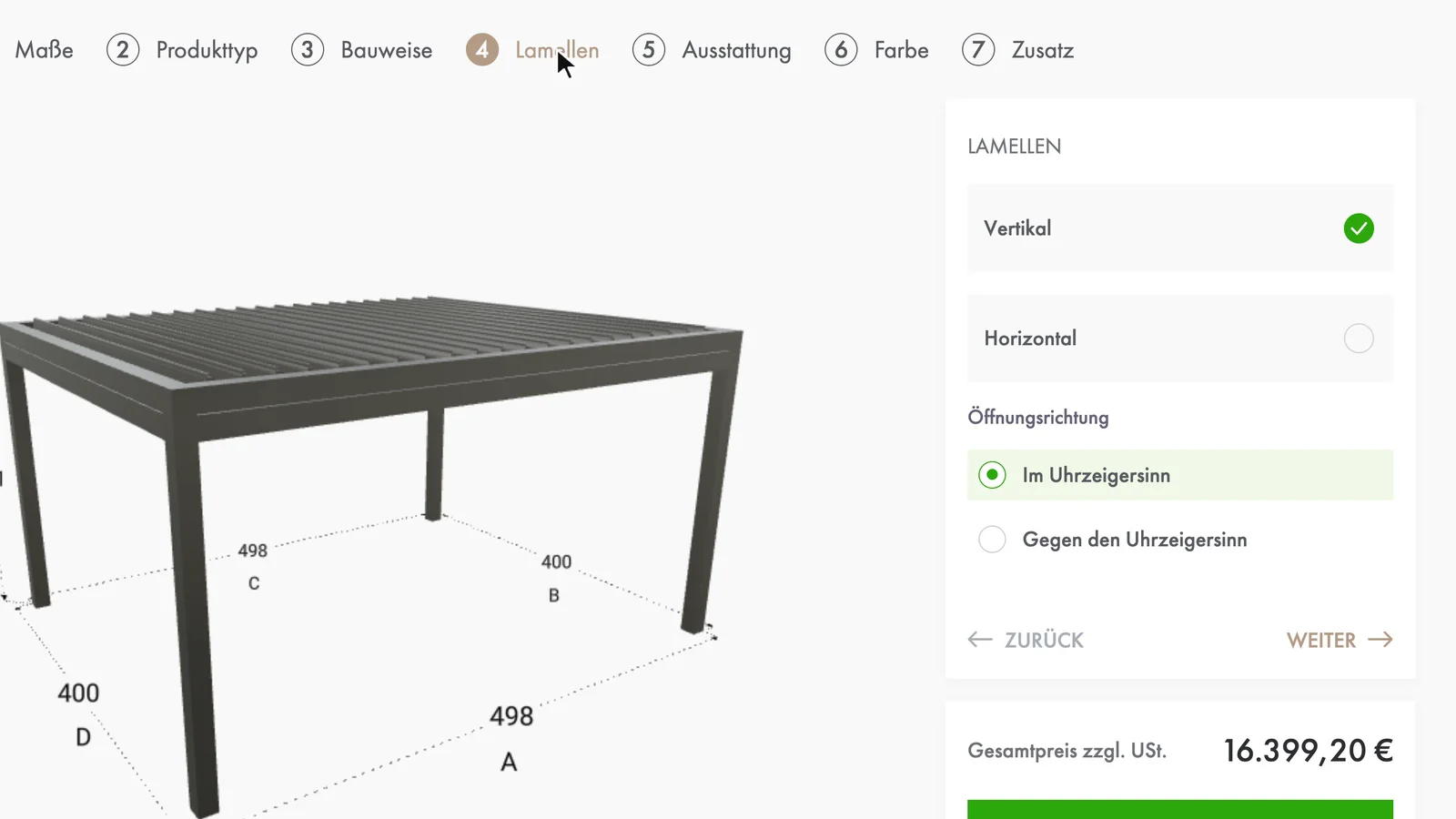
Your customers use your product in their own language, their own units and their market’s prices.
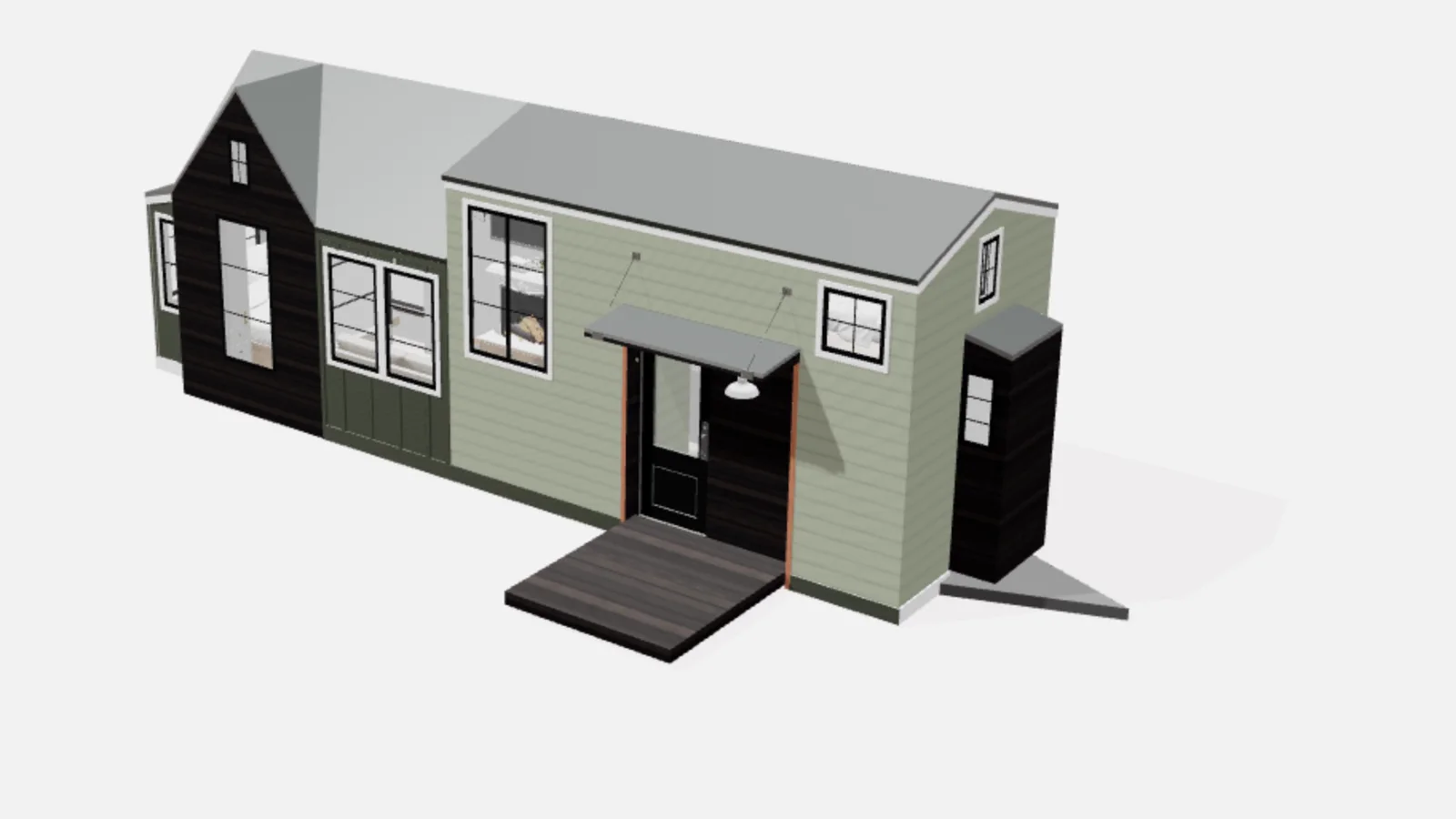
Give your coding agent your product brief and 3D models, and it builds the configurator on Salsita’s platform.
Not on the list? Ask it on a 30‑minute call.
How does the configurator get onto our site?
You paste a snippet into the page: one element and one script from your configurator’s address. Studio’s Embed page shows the snippet for each way, and a new build you promote shows on your page without editing it.
How does the configurator get onto our site?
You paste a snippet into the page: one element and one script from your configurator’s address. Studio’s Embed page shows the snippet for each way, and a new build you promote shows on your page without editing it.
What are the ways to embed it?
Four. Inline makes it part of the page. Open from a button keeps it hidden until your own button turns it on, then covers the window. Handoff sends customers to a page that holds it and brings them back to where they came from. Headless lets your application decide when it opens, what it shows and when it closes.
Does it look like our brand?
Colours, fonts, logo and the styling of the controls follow your brand. The layout can be a sidebar, tabs or a step-by-step journey. A layout that goes beyond those is custom work on your project.
Can it run on our own domain?
Yes. A project can have your own subdomain added in Studio, and the configurator then loads from it. One customer’s configurator loads from designer.awrsolutions.com.au. It has to be a subdomain, not the bare domain.
Who can show it?
Only the sites you list. In Studio you add the sites that may embed it, up to ten besides the hosted page, and the configurator is blocked everywhere else. A site with strict content security rules needs a few settings on its own side.
Does our page know what the customer does?
Yes. The page can listen for events such as ready, opened a design, saved a change and closed, and it can set the language, filter the starting designs or make the configurator read-only.




Tell us where the configurator should sit and how your brand looks. We set it up on your product and show it to you in a 30‑minute session.

You’ll talk to Anthony TemperanteVP Sales and Marketing, Salsita
Trusted by Siemens and Middleby, with 200+ configurators live.