3D configurator
Salsita 3D configurators run your business from product rules to production output.





Discover Salsita
The team that builds and runs your configurator.
Salsita 3D configurators run your business from product rules to production output.
The team that builds and runs your configurator.
Customers send a photo of what they have in mind. The assistant builds the closest match from your options and tells them what differs.

A reference photo and a short message go into the chat. The assistant builds the closest match from the options the product has and says what it changed.
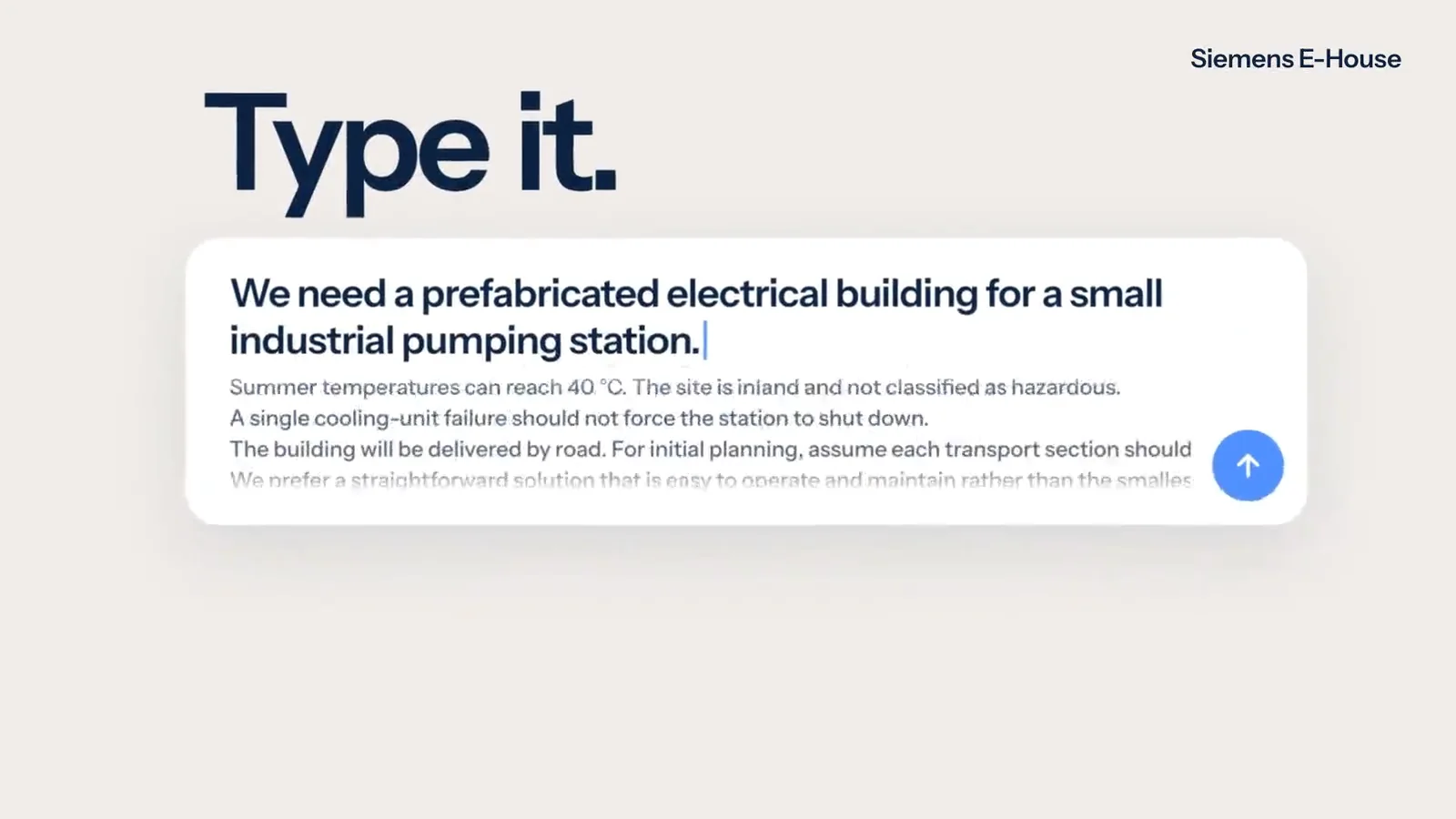
Customers describe, sketch, photograph or draw what they want. The assistant changes the real 3D product and stays inside your product rules.
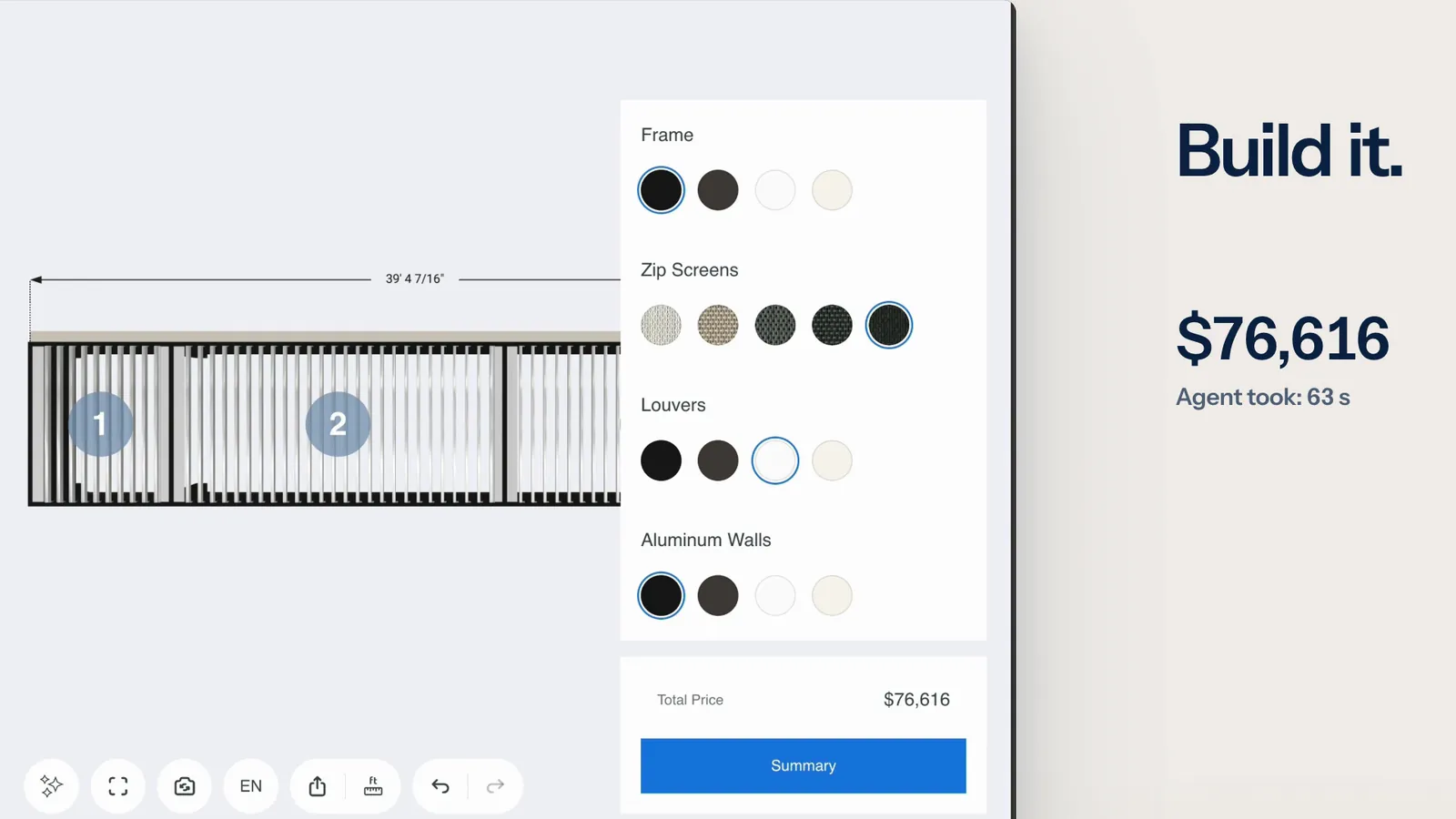
An AI agent reads a request and configures your product through the tools the configurator offers. Every change passes the same checks as a click.
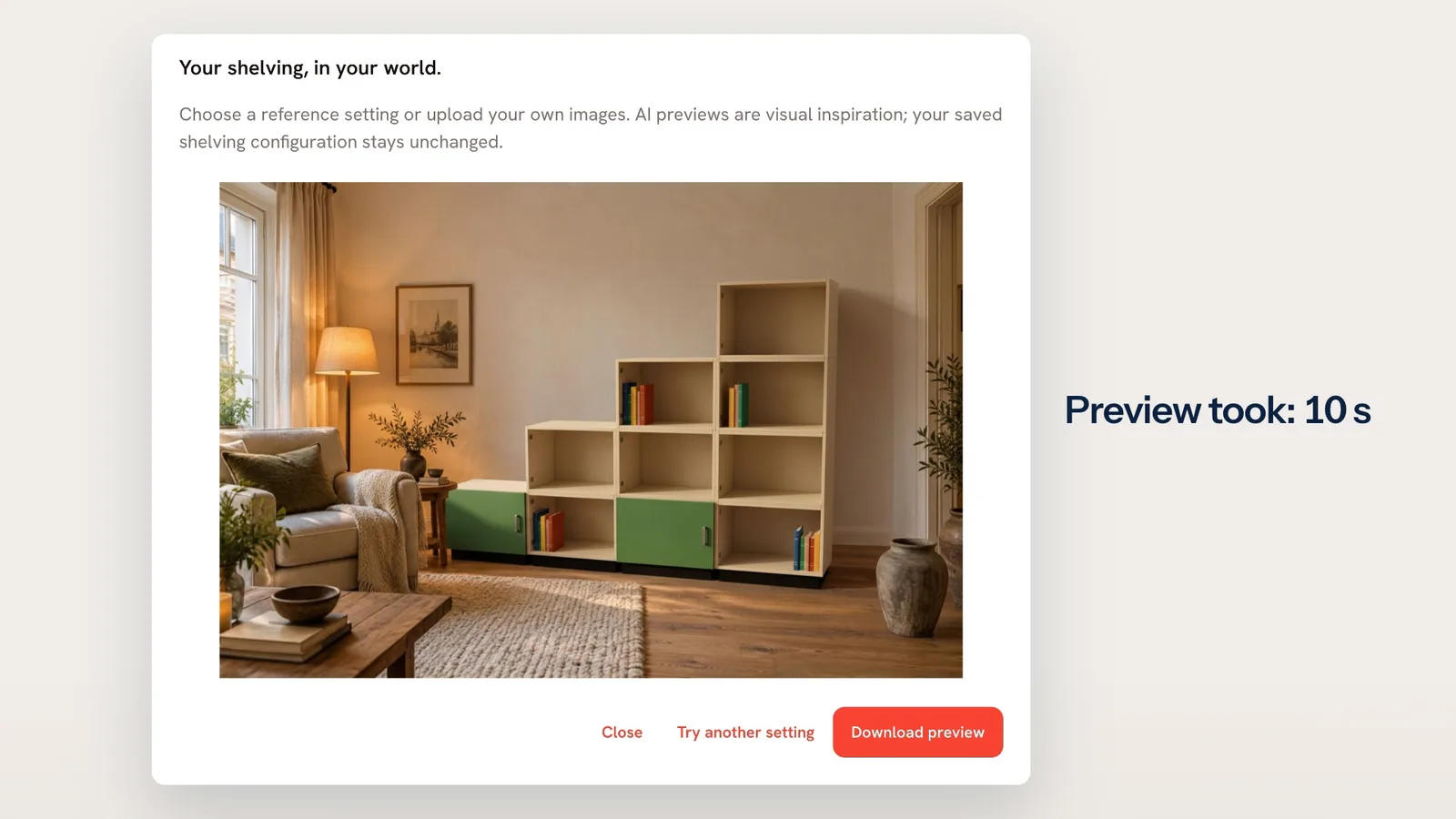
One click puts the configured product in a room, as an AI preview your customer can download.
Not on the list? Ask it on a 30‑minute call.
What does it do with a photo?
It builds the closest match from the options your product has and says what differs from the photo. It does not copy the photo.
What does it do with a photo?
It builds the closest match from the options your product has and says what differs from the photo. It does not copy the photo.
Does it measure from the photo?
It does not promise to. Sizes read from a photo need the customer’s confirmation, and the assistant can misread a photo.
Can it show the product in my room?
Not from this input. A photo sent to the assistant is a reference for what to build, and the assistant does not place the product into it. Putting the configured product into a picture of a room is a separate feature, AI product preview.




Tell us what you sell. We set it up on your product and show it to you in a 30‑minute session.

You’ll talk to Anthony TemperanteVP Sales and Marketing, Salsita
Trusted by Siemens and Middleby, with 200+ configurators live.