








From conversation to production
Customers type, talk, sketch, snap a photo or send their own AI agent. Your configurator builds the product, and your factory gets the files.

Trusted by Siemens and Middleby, with 200+ configurators live.
Customers include















One hub. Every AI feature.
Customers describe, sketch, photograph or draw what they want.
AI assistantOne click puts the configured product in a room.
AI product previewThe agent works inside your configurator’s own rules and prices, and every change passes the same checks as a click.
Configurator MCPYour coding agent builds the configurator on Salsita’s platform.
AI toolkit

Real recording, sped up
Try the AI assistant live
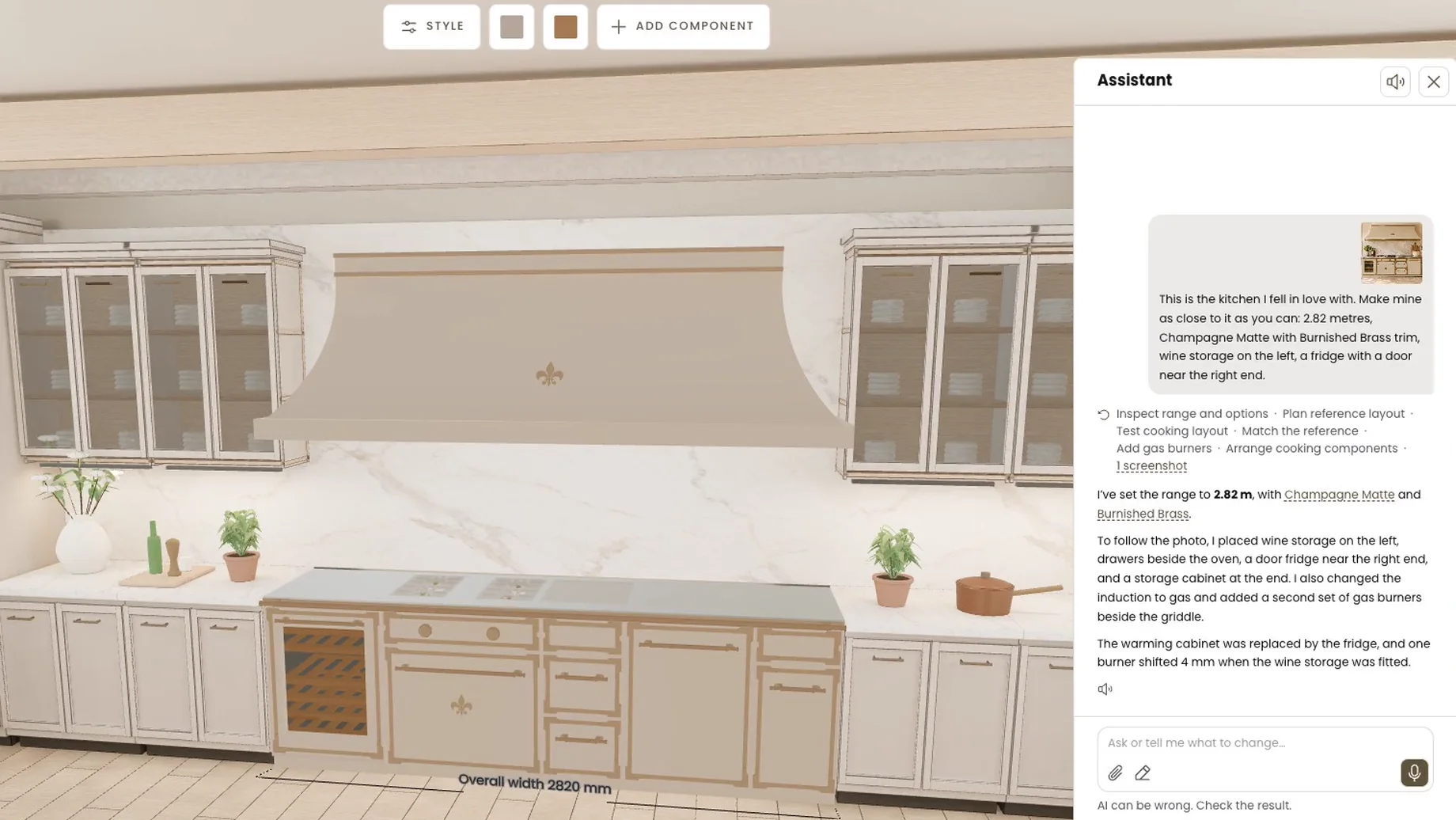
A real kitchen range configurator. Ask for a change, upload a photo or a sketch, ask it for a 5m range and see what it says.
Inquiries waiting in your inbox?
Your agent reads the inquiry, configures the product and drafts the reply with the price. You press send. When they order, your factory gets the parts lists, drawings and files.
See Configurator MCP
Real recording, sped up


“Everywhere I look, I hear comments such as ‘This is so much better,’ ‘What a huge improvement,’ and ‘This feels like the next generation.’”
A new price in five places?
Tell your agent once. You check it and put it live, and the configurator, the cart and every new quote and order follow.
New prices for the louvered pergola are in. Update the configurator.
Every system gets the new version
Change one option and the price updates on the spot. The cart, the deal and the sales order follow.
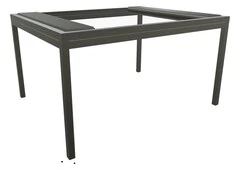
Louvered pergolaYour configurator
Bays
Louvers
Price$11,622
Online store




 CartUpdated
Louvered pergola3 bays, motorised louversQty 1$11,622
CRM

 DealUpdated
Louvered pergola, 3 bays
- Amount
- $11,622
- Stage
- Quote sent
- Quote
- Revision 3
- Configuration
- Attached
ERP

- Epicor
Sales orderUpdated
| Part | Qty | Amount |
|---|---|---|
| Post | 8 | $3,360 |
| Beam | 10 | $3,600 |
| Louver blade | 54 | $2,592 |
| Louver motor | 3 | $2,070 |
| Total | $11,622 | |
Production
- DXF
- STEP
- Cut list
Anything else connects by webhook or REST API.
It says no when the product does
Built within your product rules and business logic
Real recording, sped up
Too wide? It offers the maximum.


Common questions
Not on the list? Ask it on a 30-minute call.
The AI features of Salsita's 3D product configurator in one place. Customers type, talk, sketch, draw or send a photo, and AI agents can configure too. Every change stays inside your product rules.
See all featuresIt needs an assistant section in the project. Where the assistant is already on, agents are on too, with no extra build. A project can switch them off in its setup.
See Configurator MCPYou keep your project files and can keep developing them yourself. Running the configurator depends on the Salsita platform and its subscription terms.
AI toolkitOnly what your project lists: the values it can read and change, the parts it may add or delete, the option lists and the views it can take a screenshot of. Nothing is exposed by default. It answers from the information it was given, so it knows no live stock or delivery dates. Start small and widen it.
AI assistantYes. A project can switch it off in its setup or per session, and a website can switch it off with a browser permission setting.
See Configurator MCPNo. The AI works from the product’s dimensions, but exactness is not guaranteed, so the pictures are for inspiration and are best checked by eye.
AI product previewThe assistant asks, with a tick or short choices, and a second message may settle a detail. Sizes read from a sketch are worth confirming before they go to production.
AI assistant: sketchYou need to be comfortable working with an AI coding agent and reviewing what it builds. The agent does the technical work; you provide the product information and review the result.
AI toolkitMembers of




Want this on your configurator?
Tell us what you sell. We set it up on your product and show it to you in a 30‑minute session.

You’ll talk to Anthony TemperanteVP Sales and Marketing, Salsita
Trusted by Siemens and Middleby, with 200+ configurators live.